
App - Sponsorship Options
App Footer:
A footer featuring sponsors will be displayed on all pages and throughout the entire navigation in the application.
(Note: This footer will also appear on the registration forms.)
For Example:
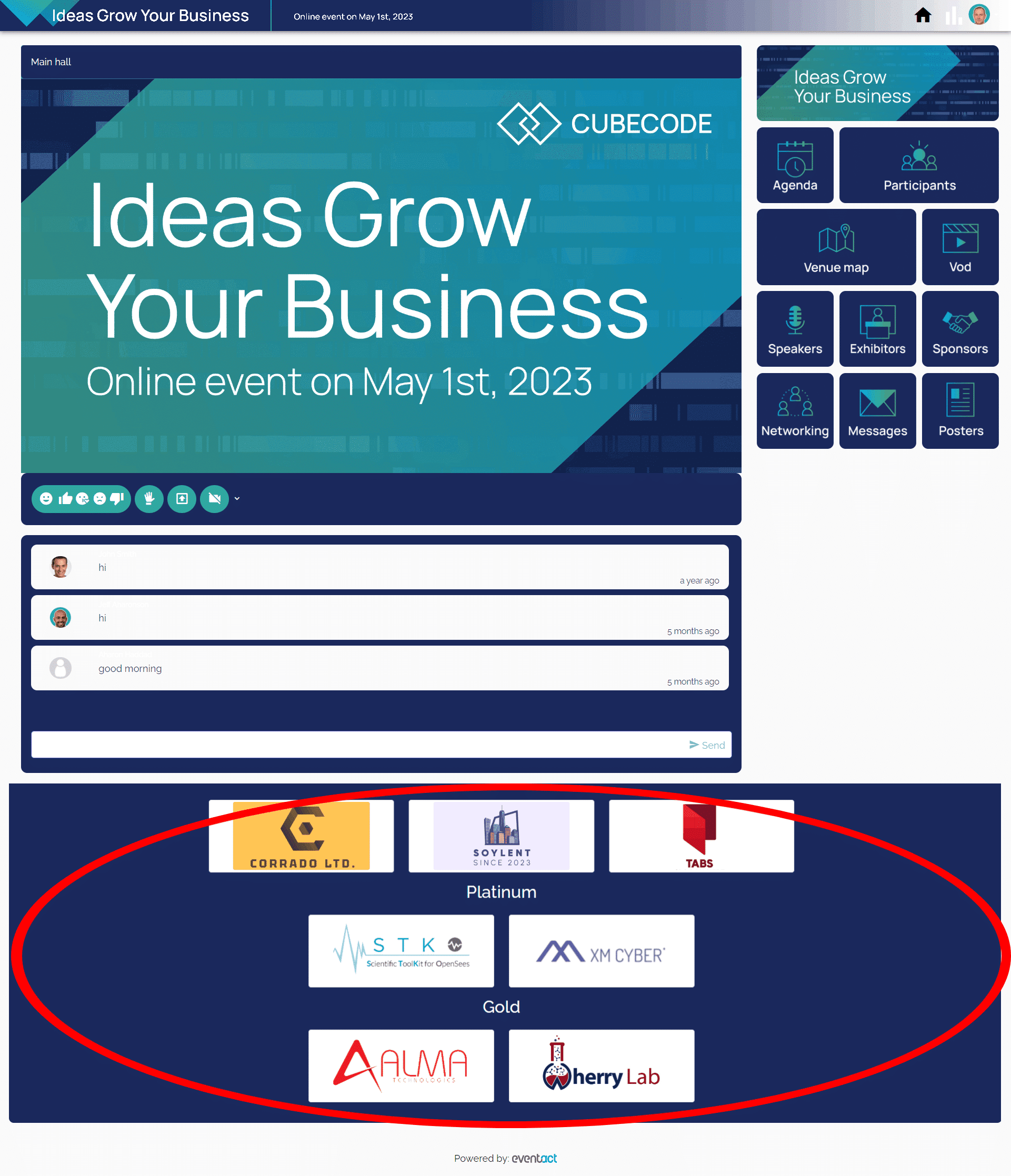
Buttons with Alternating Sponsor Logos:
Clicking on the buttons will lead to a sponsor page in the app.
For Examples:

Offers:
The event organizer can display offers to the participants. If a participant clicks on "Yes," it will collect a lead for the sponsor. The offer image can also contain a hyperlink that will lead to the sponsor's website.
For Example:

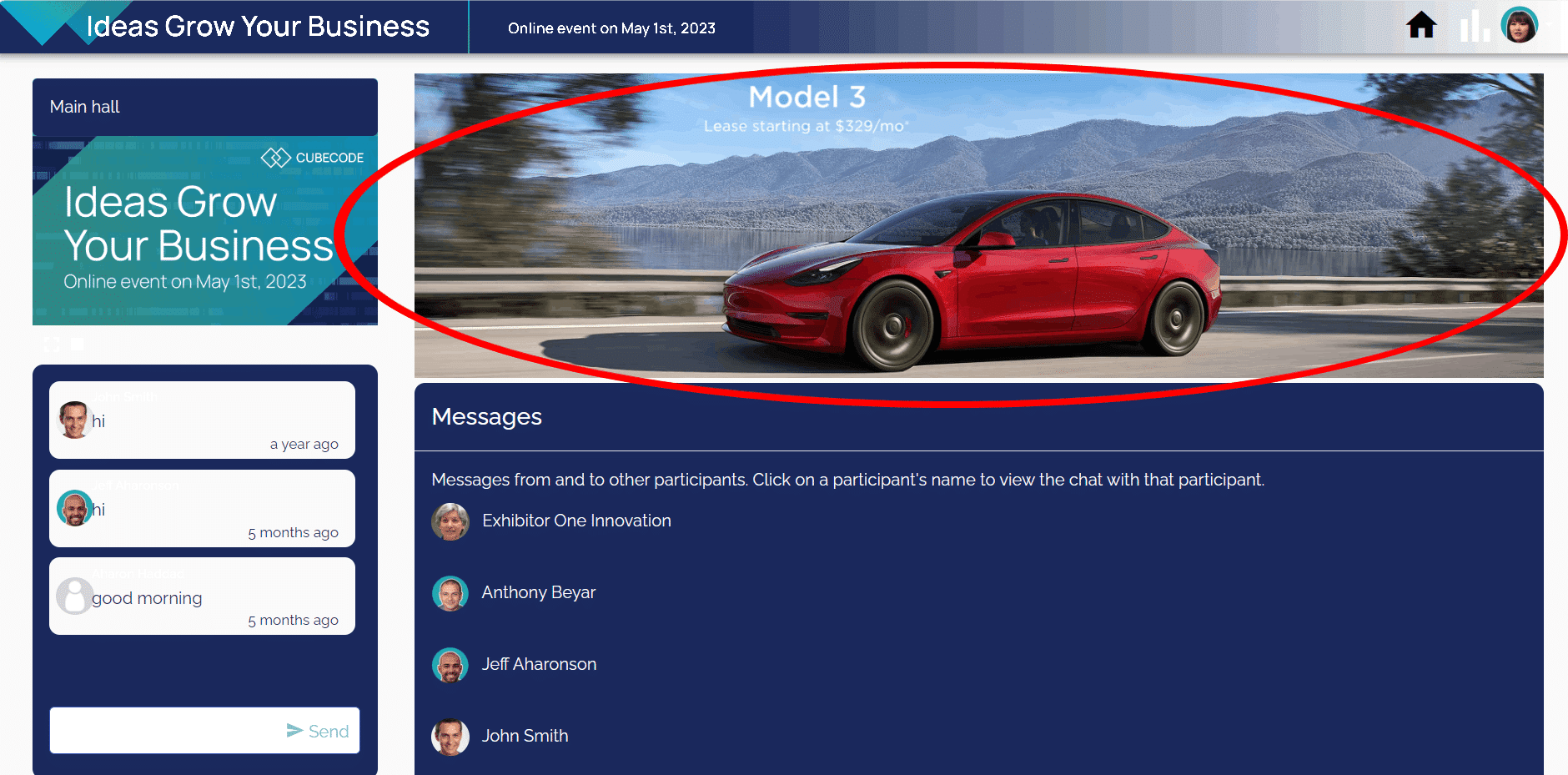
Unique Banner for All Buttons in the Application:
The event organizer can set a unique banner that will be displayed at the top after entering one of the app buttons.
Banner Specifications:
Dimensions: 2000px X 350px
Formats: jpg, jpeg, png
Maximum Weight: 1MB
For Example:
For Example:
Sponsors / Exhibitors Preview Page:
Add a cover image and a logo to the app's exhibitors or sponsors page, optionally in different categories.
Cover image – a wide banner that reflects your brand. Cover images can display cropped on various devices, so keep important information at the center. Leave space in the bottom left to accommodate the brand logo.
Optionally, different categories can be designated for sponsors and exhibitors.
Cover image files can be 1500px x 500px (recommended), in JPG, GIF, or PNG format (up to 500KB). Logo image files can be in JPG, GIF, or PNG format (up to 500KB).
For Example:

Company Profile Page:
Company General Details:
Short description (up to 2000 characters).
Slogan (up to 50 characters).
Website and social media links.
For Example:

Company Profile – Links and Files:
* Social Media Links
* Website
* Image:
1. Supported file formats: jpeg, jpg, png.
2. Max image weight per image: 2.5MB.
3. Image dimensions: flexible (maximum 1920px X 1080px).
* PDF: Maximum PDF weight: 2.5MB.
* YouTube Links
* Contact Details
For Example:

Company contact persons:
- Full name, Profile picture, role.
- Text messages + meetings scheduled.
For Example:
